Photograph the pages.
Keep your phone above the page, avoid glare, and include every edge. Start with a few photos before doing the whole book.
Read the photography guide ↗Your yearbooks, online.
Photograph your old yearbooks with your phone, arrange the pages into a digital book, and share a private viewing link with family and classmates.
Early preview · Private by default · No payment required
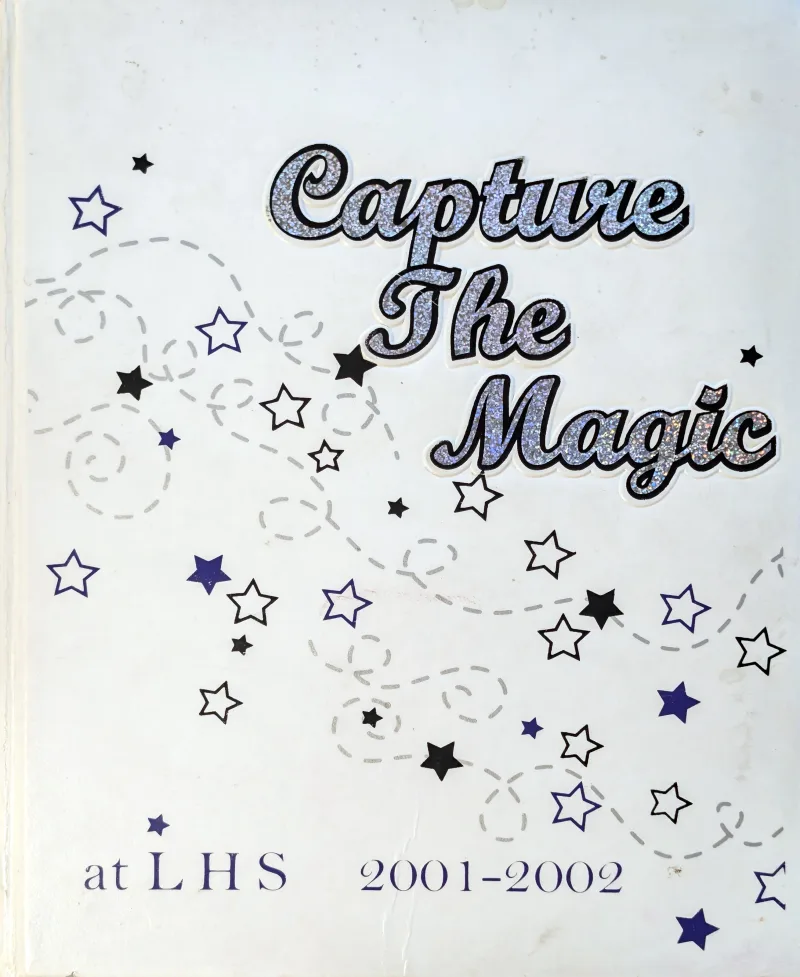 Lehi High School · 2002
From your bookshelf to your screen
You don’t need a scanner to get started. A phone, soft light and a few favorite pages will do.
Keep your phone above the page, avoid glare, and include every edge. Start with a few photos before doing the whole book.
Read the photography guide ↗Create a private book, upload several photos, name the pages and put them in order. Your original uploads stay available to you.
Create a private viewing link with an expiry date. Revoke it whenever you need to. Add page-by-page memories together.
Preserve the story, improve the view
See how cropping, straightening and tonal correction improved our example archive. These images were processed separately. Restoration tools for customer uploads are still in development.
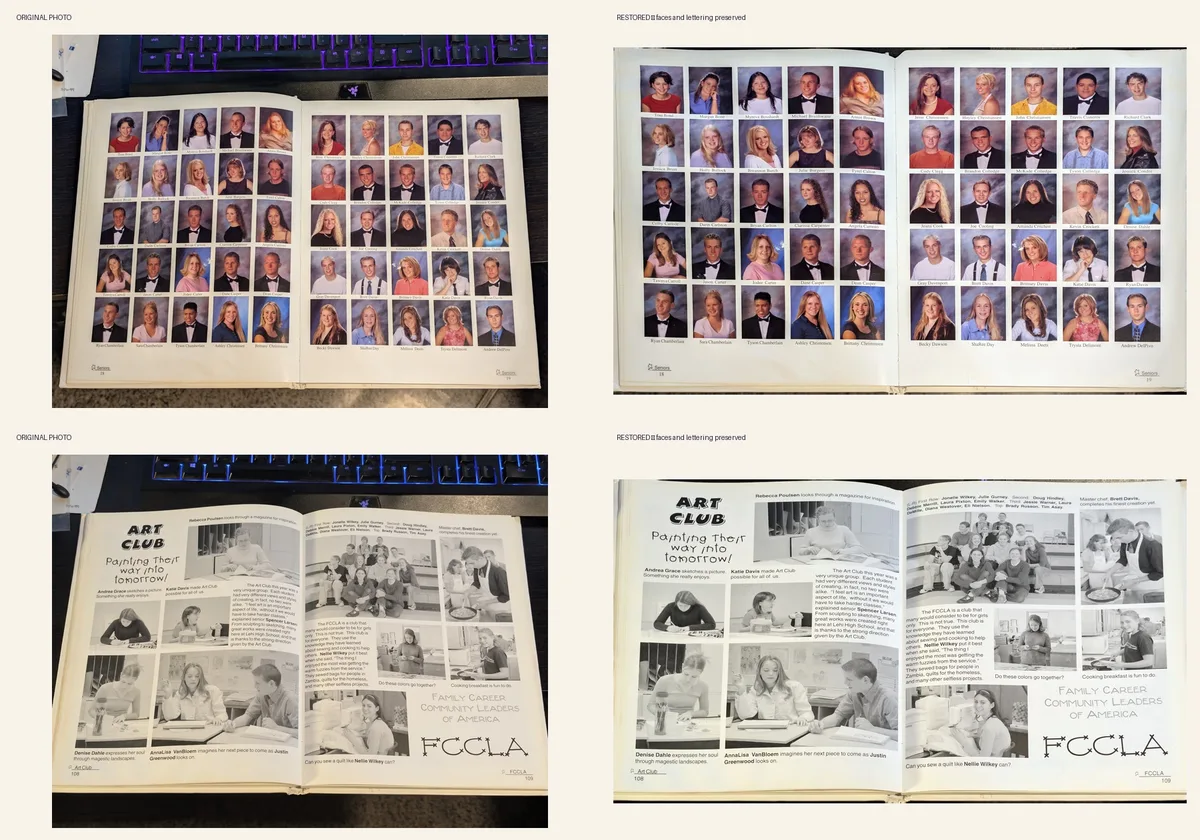
Conventional restoration preserves the photographed content. It cannot recover obscured details or guarantee that faded handwriting becomes readable. No paid restoration or AI processing is available in this preview.
Built around what matters
Your uploads start private. Share through a revocable viewing link, or make a book public only when you choose and have permission.
Download your original photo from your library. Shared viewing copies have location metadata removed; original downloads stay owner-only.
Arrange pages, open the digital reader and leave memories beside the moments they belong to.
Sign in, open My yearbooks and keep adding pages. Add a few pages at a time, at your own pace.
Preview access
The current preview lets you try the working library. Paid plans and restoration pricing have not been set. There is no checkout, subscription or automatic charge.
Preview limits: 20 MB per photo, 500 photos per book, 500 MB per account. JPEG, PNG and WebP supported. Availability remains subject to preview server capacity.
Early preview · available now
Restoration and optional AI processing are not included or sold yet. Any future paid service will require your explicit purchase.
A few things before you begin
Yes. Upload JPEG, PNG or WebP photos up to 20 MB each. If your phone saves HEIC, export JPEG copies or use its compatible camera format. Keep the original phone files too.
Anyone who has the link can view the selected book until it expires or is revoked. They need an account to comment. Treat the link as private; recipients can forward it or save a displayed image.
Books start private. Our service pages can appear in search results, but we ask search engines not to index yearbooks or their images. That request does not replace access control: a book you publish publicly is accessible to anyone.
Not yet. Uploading currently prepares display images and thumbnails. Interactive restoration tools are in development. The existing Lehi archive was processed separately.
A yearbook is better when it’s opened.
Start privately. Share when you’re ready.
Create your yearbook ↗